What type of chair do you use at work?
More cartoons about MT:
- Meet your colleague, Macheine Transleith
- MT got us into trouble
- The art of translation
- MT reads between the lines
Related articles:
What type of chair do you use at work?
More cartoons about MT:
Related articles:
Buy this cartoon
Purchase code “Self-praise”
You can also see this cartoon in Spanish.
What strategies do you use to compensate for the lack of (positive) feedback about your work?
****
Do you like Translator Fun? Become a sponsor or show your support with a donation.
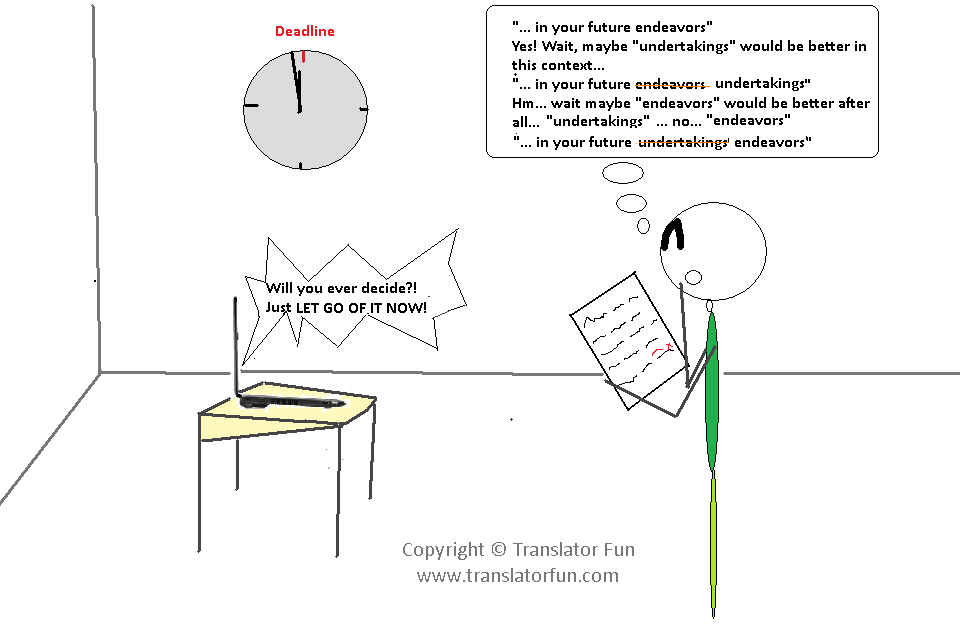
Do you feel so closely attached to your translations that you find it difficult to let go of them? Share your thoughts.
Buy this cartoon
Purchase code “LETGOOFIT”
*****
Do you like Translator Fun? Become a sponsor or show your support with a donation.

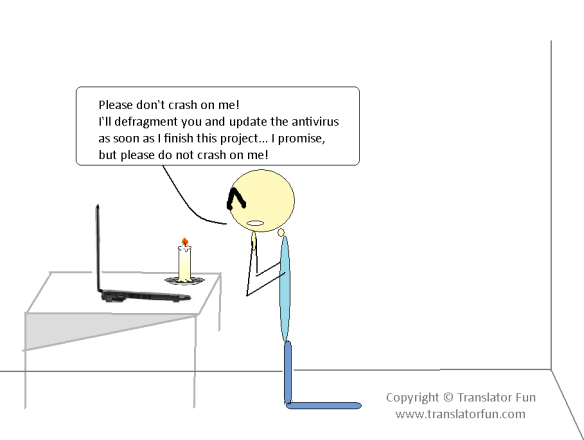
Do not crash on me! — Click on the image to enlarge
Does this scene sound familiar to you? Do you make promises to your computer? But, most importantly, do you keep them? Please post here the promises you’ve made to your “poor” PC/laptop and if they’ve worked.
Buy this cartoon
Purchase code “CRASHONME”
****
Do you like Translator Fun? Become a sponsor or show your support with a donation.
See this comic strip in Spanish.
Is this also one of your nightmares as a translator? Does this happen to you very often? Share your story!
See more cartoons in Translators’ nightmares series:
Also see:
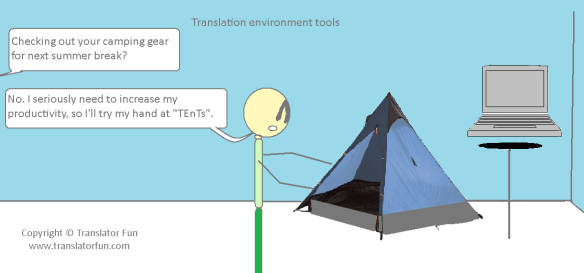
“You may have never heard before of the term “Translation Environment tool”. It is a fairly new term, coined as the result of frustration over other names. In the past, the tools we are talking about have been called “Translation Memory” software and “Computer Aided Translation” tools (CAT). But while the first name only paid tribute to one of the many functions in the package, the second one seems a bit bulky and makes it sound like the tool is doing all the work. As we will see, the term “Translation Environment tool” is spot on.
What it does
A good Translation Environment tool supports every role and stage in the translation process. Typically there are seven stages:
- file preparation
- content segmentation and indexing
- database retrieval and translation
- editing
- quality assurance
- database update
- generation of the translated file.”
Source: Lingo 24 > Translation Resources
According to a ProZ.com quick poll featured on 22 March 2010, over 50 % of the translators who responded the poll had not heard the term “TEnT” before.
What about you? Are you familiar with this term? Do you use it?
Here are some links related to Translation Environment Tools (TEnTs):
Also see this cartoon in Spanish
Also see:
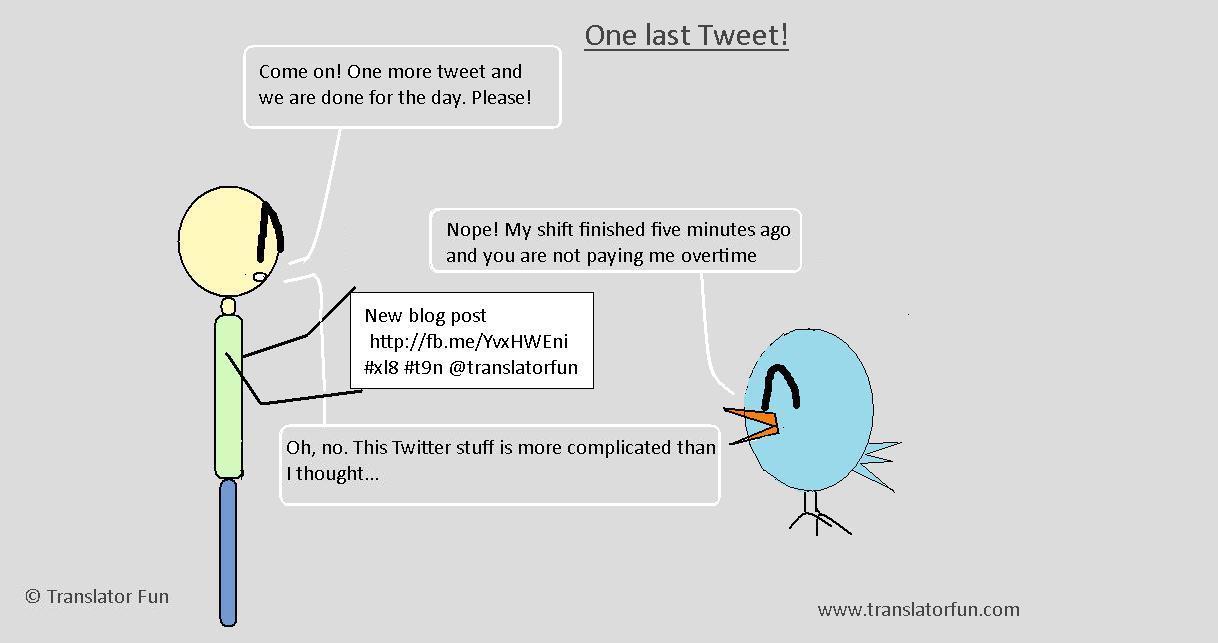
Follow Translator Fun on Twitter: @TranslatorFun and on Facebook
Translator’s productivity — shortcuts (click on the image to enlarge)
Also see:
“In computing, a keyboard shortcut is a sequence or combination of keystrokes on a computer keyboard which invokes commands in software. Some keyboard shortcuts require the user to press a single key or a sequence of keys one after the other. Other keyboard shortcuts require pressing and holding several keys simultaneously.” Wikipedia
Using shortcuts in your work will undoubtedly help you become more productive. At first it requires a conscious effort to start using them and remember them but with time their use becomes a reflex.
I have adopted a few which I use on a daily basis. However, I’d like to start using some more as they help me optimize my time and increase my productivity.
Below there is a list of links to useful articles with detailed examples of existing keyboard shortcuts that you can easily start using in your daily computing tasks:
Blackout — click on the images to enlarge
See this comic in Spanish.
See more cartoons in this series:
Also visit Translator Fun Shop.