A freelance translator’s lifestyle

A freelance translator’s lifestyle — click on the image to enlarge 

Also, see this comic strip in Spanish.

Have you been there? Do you think that this is an accurate description of a day in a freelance translator’s life? Is it a myth or an exaggeration, maybe? Is there some truth in this description?

Buy this cartoon 
Buy Now Button Purchase code “LIFESTYLE”

*****

Do you like Translator Fun? Become a sponsor or show your support with a donation.

Translator’s productivity (part 3) — “TEnTs”

Translator’s productivity (part 3) — "TEnTs" (click on the image to enlarge)

Also see:

“You may have never heard before of the term “Translation Environment tool”. It is a fairly new term, coined as the result of frustration over other names. In the past, the tools we are talking about have been called “Translation Memory” software and “Computer Aided Translation” tools (CAT). But while the first name only paid tribute to one of the many functions in the package, the second one seems a bit bulky and makes it sound like the tool is doing all the work. As we will see, the term “Translation Environment tool” is spot on.

What it does

A good Translation Environment tool supports every role and stage in the translation process. Typically there are seven stages:

  • file preparation
  • content segmentation and indexing
  • database retrieval and translation
  • editing
  • quality assurance
  • database update
  • generation of the translated file.”

Source: Lingo 24 > Translation Resources 

According to a ProZ.com quick poll featured on 22 March 2010, over 50 % of  the translators who responded the poll had not heard the term “TEnT” before.

What about you? Are you familiar with this term? Do you use it?

Here are some links related to Translation Environment Tools (TEnTs):

Twitter series (part 3) — Meet the social media expert

Twitter series (part 3) -- Meet the social media expert (click on the image to enlarge)

Also see this cartoon in Spanish

Also see:

Follow Translator Fun on Twitter: @TranslatorFun and on Facebook

Translator’s productivity (part 2) — shortcuts

Translator's Productivity --shortcuts (click on the image to enlarge)Translator’s productivity — shortcuts (click on the image to enlarge)

Also see:


“In computing, a keyboard shortcut is a sequence or combination of keystrokes on a computer keyboard which invokes commands in software. Some keyboard shortcuts require the user to press a single key or a sequence of keys one after the other. Other keyboard shortcuts require pressing and holding several keys simultaneously.” Wikipedia

Using shortcuts in your work will undoubtedly help you become more productive. At first it requires a conscious effort to start using them and remember them but with time their use becomes a reflex.

I have adopted a few which I use on a daily basis. However, I’d like to start using some more as they help me optimize my time and increase my productivity.

Below there is a list of links to useful articles with detailed examples of existing keyboard shortcuts that you can easily start using in your daily computing tasks:

What about you? Which shortcuts do you use?

“Weirdest place where you’ve ever worked on a translation project”

Weirdest place where I've worked on a translation project -- click on the image to enlarge

See this post in Spanish>>

Related articles: ProZ.com poll

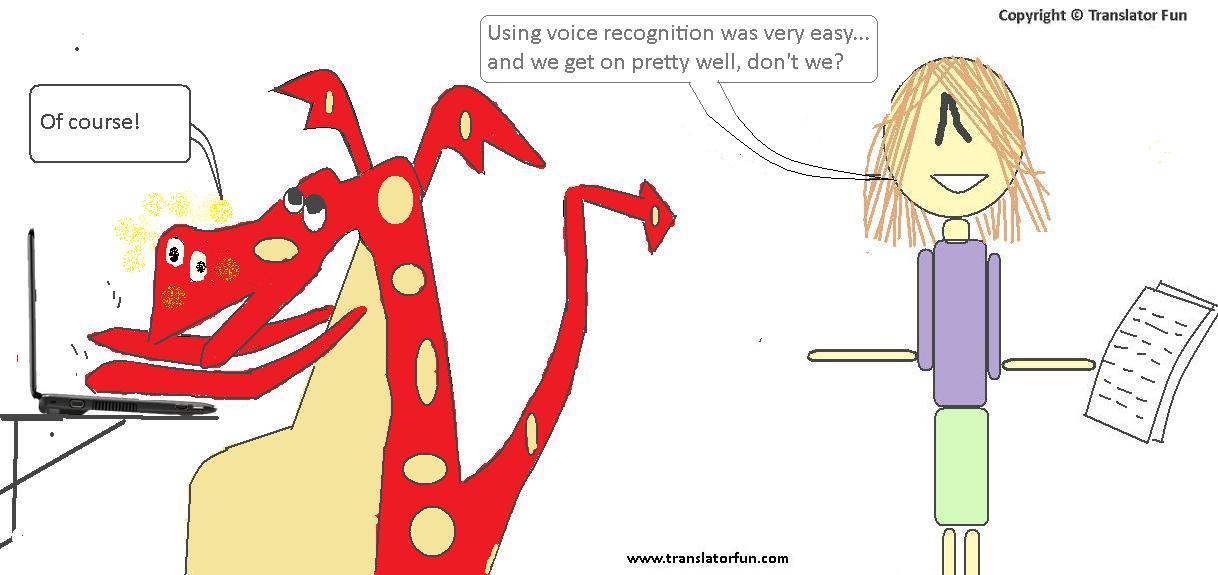
Translator’s productivity (part 1): voice recognition tools

Productivity: voice recognition -- click on the image to enlarge

Translator's productivity: voice recognition -- click on the image to enlarge

See this cartoon in Spanish and in French

See more cartoons in this series:

Translators’ nightmares series: blackouts

Blackouts

Blackouts -- click on the image to enlarge

Blackout — click on the images to enlarge

See this comic in Spanish.

See more cartoons in this series:

Also visit Translator Fun Shop.

The art of multitasking

Multitasking

Multitasking — click on the image to enlarge

Buy Now Button Purchase code “MULTITASKING”

Also, see this cartoon in Spanish.


Do you like Translator Fun? Become a sponsor or show your support with a donation.

Friend’s Day in Argentina

Happy friend's day

Friend’s day in Argentina

Also, see this post in Spanish>>

Today, July 20th, we celebrate Friend’s Day here in Argentina. On this day long-standing friends get together in bars, restaurants or at someone’s place to have dinner and honor their friendship.

So I wanted to celebrate Friend’s Day with my fellow translators and made a cartoon about it. I hope you like it!

You can follow tweets related to this day with the hashtag #amigo on Twitter.

Romina

Become a sponsor

Do you like Translator Fun? Subscribe to Translator Fun’s YouTube channel

Twitter series (part 2) — “follow me”

Follow me

Follow me — click on the image to enlarge

See this article in Spanish and French>>


If you would like to sponsor a cartoon on Translator Fun, visit the “Become a sponsor”section.

Also see:

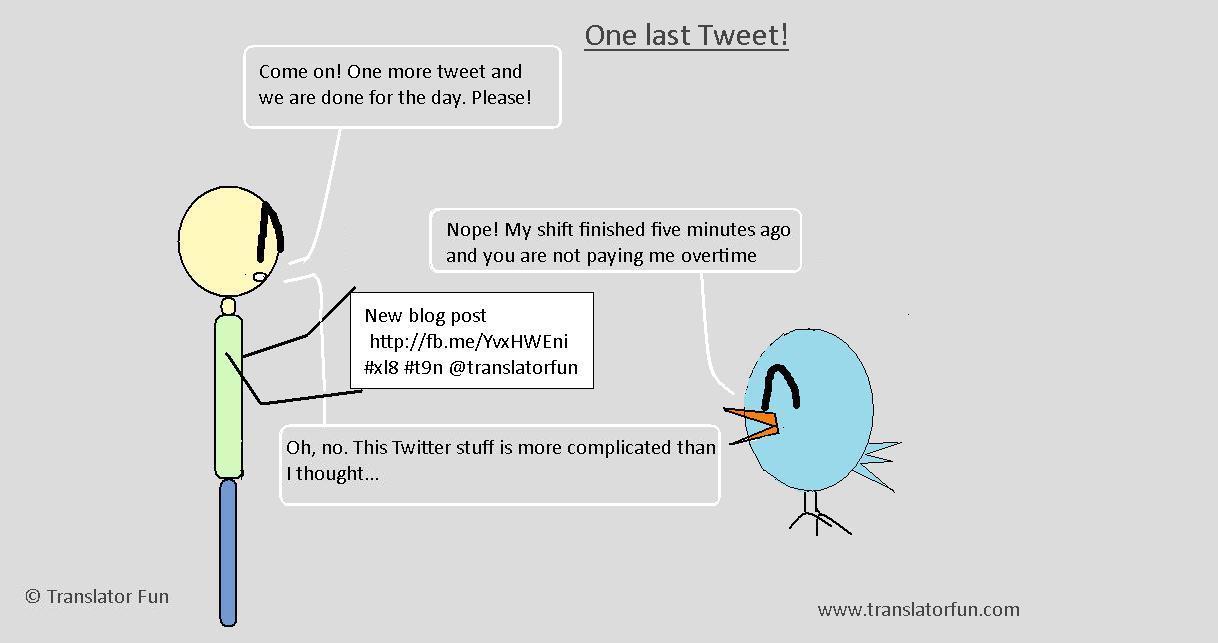
On Twitter if someone follows you it means that your Twitter updates will appear on your followers’ Twitter home page every time you post a new message. Being followed increases your chances of having your tweets retweeted by others and eventually gain more followers. Your number of followers and the number of times your tweets get retweeted help to build your Twitter reach. (see this article on Freelance Switch with a list of tools for analyzing your Twitter stats) However, there is a way in which you can make your tweets reach more people other than your followers. When you use hashtags, which are “a community-driven convention for adding context and metadata to your tweets created by simply prefixing a word with a hash symbol, e.g.  #hashtag” you are broadening the reach your tweets since all those on twitter who are following that certain hashtag will be able to see your tweet. Hashtags were developed as a means to create “groupings” on Twitter, without having to change the basic service. As mentioned in my previous post, the hashtags used for translation are #xl8 and #t9n, #L10n is the one used for localization and #flinternet refers to “foreign language Internet”. Since hashtags are a convention among Twitter users anyone can create a new hashtag. This is particularly the case for events: a new hashtag is created to tag the news related to that event. It is also very likely that these type of hashtags fall soon into disuse (i.e. as soon as the event is over or a little after that). Some examples of hashtags specially created for events are: #smday for “Social Media Day” celebrated on June 30, 2011 and #lwbar for “Localization World Barcelona”. So if you are interested in following an event on Twitter you should try to find out which hashtag is being used. As you may have realized by now, having many followers is seen as a positive indication of the person’s influence and the relevance of the content of their tweets. I guess this is why everyone on Twitter is so fond of the “Follow me” phrase. So if you like this post and my comic follow me… but only on Twitter! Romina