Translators’ nightmares series: “Meet your colleague, Macheine Transleith”

Translators’ nightmares series: “Meet your colleague, Macheine Transleith” (click on the image to enlarge)

What is your approach to Machine Translation? Do you see it as a translator’s friend or foe? Is it a threat? Can it be used to the translator’s advantage? Share your thoughts below.

See more cartoons in the Translators’ nightmares series:

*******

Do you like Translator Fun? You can become a sponsor or have your guest post featured.

Myths and truths about freelance translation

Translator lifestyle

All the cartoons on this blog are the exclusive property of Translator Fun. Get this cartoon.

Buy this cartoon
Buy Now Button
Purchase code F3

See this cartoon in Spanish – Watch the animated cartoon on You Tube

What’s your reaction to this drawing? Do you think it portrays a truth about freelancing and freelance translators and interpreters? Is it a myth? Share your opinion!

****

Do you like Translator Fun? Become a sponsor or show your support with a donation.

Translators’ nightmares series: Oops, I forgot the attachment.

Oops, I forgot the attachment — click on the image to enlarge. 

See this comic strip in Spanish.

Is this also one of your nightmares as a translator? Does this happen to you very often? Share your story!

See more cartoons in Translators’ nightmares series:

Translator’s lifestyle — always “on duty”

“On duty” — click on the image to enlarge 

Buy this cartoon 
Buy Now Button Purchase code “ONDUTY”

See this comic strip in Spanish

‎”Being a language professional is a 24/7 job” Do you agree? Do you correct your friends’ grammar while they speak? Or do you simply make mental notes?

*****

Do you like Translator Fun? Become a sponsor or show your support with a donation.

Advancing in one’s profession

Advancing in one's career as a freelance translator -- click on the image to enlarge

See this same post in Mox’s blog and his previous post in which Mina runs away.

This comic was inspired by both an article I came across that reports on the results of a survey to determine trends in pet ownership as it relates to certain professions and by my recent friendship with the genius creator of Mox’s blog, Alejandro Moreno-Ramos.

Alejandro’s work has been a great inspiration for me for a long time. I admire his sense of humor and his unique talent so imagine my excitement when I received his invitation to make a guest post in the widely renowned Mox’s blog (the pressure is on!)

Back to the article that has inspired this comic, it got me thinking about translators and interpreters and their most likely pets. According to the article, editors and writers generally own “reptiles”.  Would this also be the trend for translators and interpreters as Mox’s pet, Mina, seems to indicate? I figure that CATs should be also among the top places. And  I believe that “birds” must be quite popular among translators fond of social media.

It would be fun to find out if certain pets are “trending” among translators and interpreters like they are in other professions.

Would you like to participate in this “research” and tell your colleagues about you and your pet(s)?

P.S. Thanks Alejandro!

International Translation Day

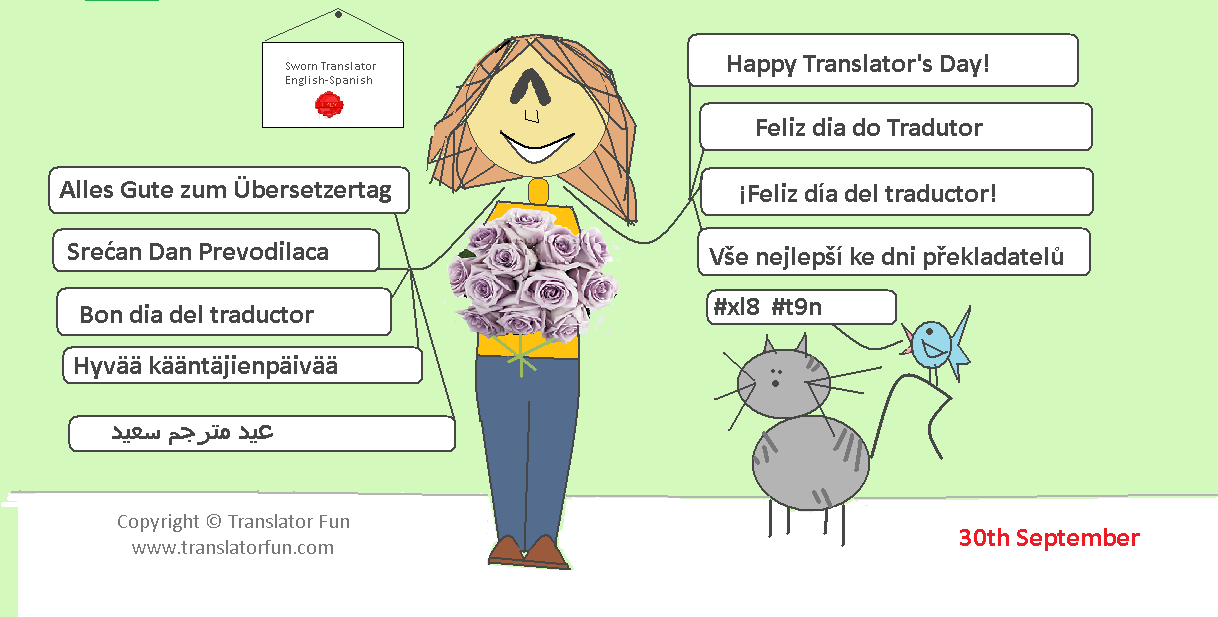
Happy Translator’s Day in different languages

Hey! Happy Translator’s Day to all my colleagues out there! And special thanks to my colleagues on Translator Fun page on Facebook, who provided the translations.

How are you going to celebrate today?

Buy this cartoon
Buy Now Button
Purchase code: Z1

See all International Translation Day cards available on Translator Fun

*******

Do you like Translator Fun? You can become a sponsor or have your guest post featured.

A freelance translator’s lifestyle

A freelance translator’s lifestyle — click on the image to enlarge 

Also, see this comic strip in Spanish.

Have you been there? Do you think that this is an accurate description of a day in a freelance translator’s life? Is it a myth or an exaggeration, maybe? Is there some truth in this description?

Buy this cartoon 
Buy Now Button Purchase code “LIFESTYLE”

*****

Do you like Translator Fun? Become a sponsor or show your support with a donation.

Translator’s productivity (part 3) — “TEnTs”

Translator’s productivity (part 3) — "TEnTs" (click on the image to enlarge)

Also see:

“You may have never heard before of the term “Translation Environment tool”. It is a fairly new term, coined as the result of frustration over other names. In the past, the tools we are talking about have been called “Translation Memory” software and “Computer Aided Translation” tools (CAT). But while the first name only paid tribute to one of the many functions in the package, the second one seems a bit bulky and makes it sound like the tool is doing all the work. As we will see, the term “Translation Environment tool” is spot on.

What it does

A good Translation Environment tool supports every role and stage in the translation process. Typically there are seven stages:

  • file preparation
  • content segmentation and indexing
  • database retrieval and translation
  • editing
  • quality assurance
  • database update
  • generation of the translated file.”

Source: Lingo 24 > Translation Resources 

According to a ProZ.com quick poll featured on 22 March 2010, over 50 % of  the translators who responded the poll had not heard the term “TEnT” before.

What about you? Are you familiar with this term? Do you use it?

Here are some links related to Translation Environment Tools (TEnTs):

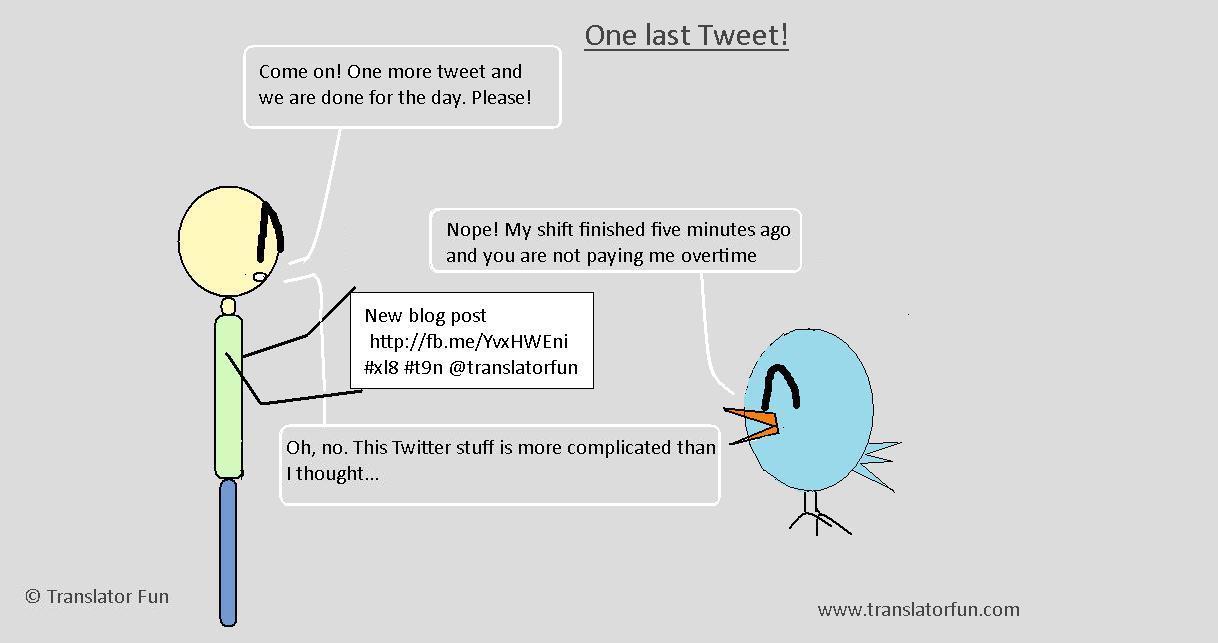
Twitter series (part 3) — Meet the social media expert

Twitter series (part 3) -- Meet the social media expert (click on the image to enlarge)

Also see this cartoon in Spanish

Also see:

Follow Translator Fun on Twitter: @TranslatorFun and on Facebook

Translator’s productivity (part 2) — shortcuts

Translator's Productivity --shortcuts (click on the image to enlarge)Translator’s productivity — shortcuts (click on the image to enlarge)

Also see:


“In computing, a keyboard shortcut is a sequence or combination of keystrokes on a computer keyboard which invokes commands in software. Some keyboard shortcuts require the user to press a single key or a sequence of keys one after the other. Other keyboard shortcuts require pressing and holding several keys simultaneously.” Wikipedia

Using shortcuts in your work will undoubtedly help you become more productive. At first it requires a conscious effort to start using them and remember them but with time their use becomes a reflex.

I have adopted a few which I use on a daily basis. However, I’d like to start using some more as they help me optimize my time and increase my productivity.

Below there is a list of links to useful articles with detailed examples of existing keyboard shortcuts that you can easily start using in your daily computing tasks:

What about you? Which shortcuts do you use?